4D Magnum Scan: How to Use the Official App to Scan Your Ticket & Check Results
Use the official MyMagnum 4D app to scan a ticket, enable camera access, review recognized entries and troubleshoot common result-checking issues.
By Jenny Maceda · · 6 min read
Overview
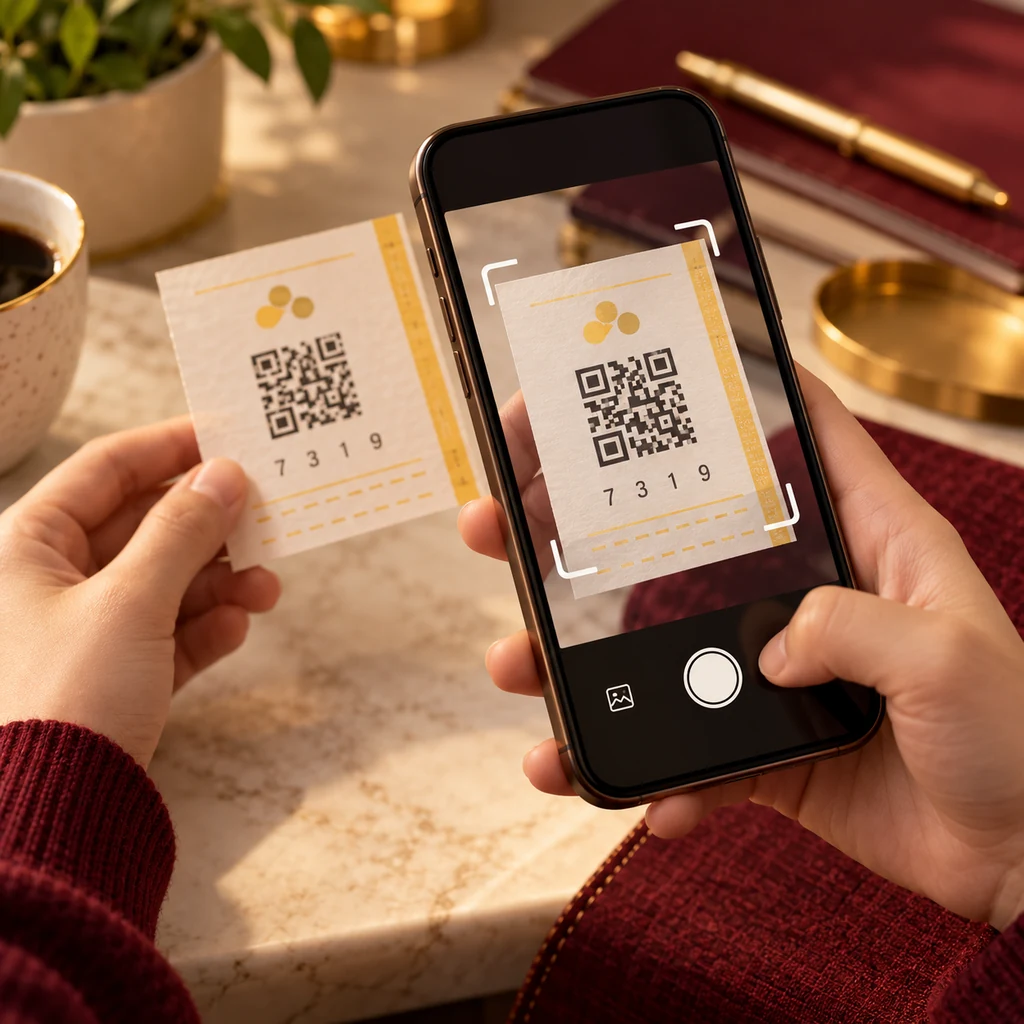
A 4D Magnum scan can make a ticket easier to check without manually retyping every entry. The official MyMagnum 4D app offers this feature, and its support instructions describe opening Scan and allowing camera access. This walkthrough covers preparation, recognition and result review, including the distinction between scanning a purchased ticket and generating a PlayNow QR code. It is an independent guide and does not operate a ticket-upload or verification service.
Key Takeaways
- Install MyMagnum 4D through the official website’s app-store links.
- Open Scan and allow camera access when requested.
- Inspect the recognized ticket’s game and dates before accepting a result.
- A PlayNow QR code prepares a purchase; it is different from checking a bought ticket.
Prepare the official app and your ticket
Visit Magnum’s app page and follow the store link for your device. Verify the app listing before installation rather than trusting an unsolicited download file. Have the original ticket ready on a flat surface and make sure its printed details are visible. If the app needs an update, use the official store. You do not need to send a ticket photograph to this blog or to a stranger offering a scan service. Private ticket identifiers should stay under your control while you check an entry.
Reference: Official MyMagnum 4D app and store links.
Open Scan and enable camera access
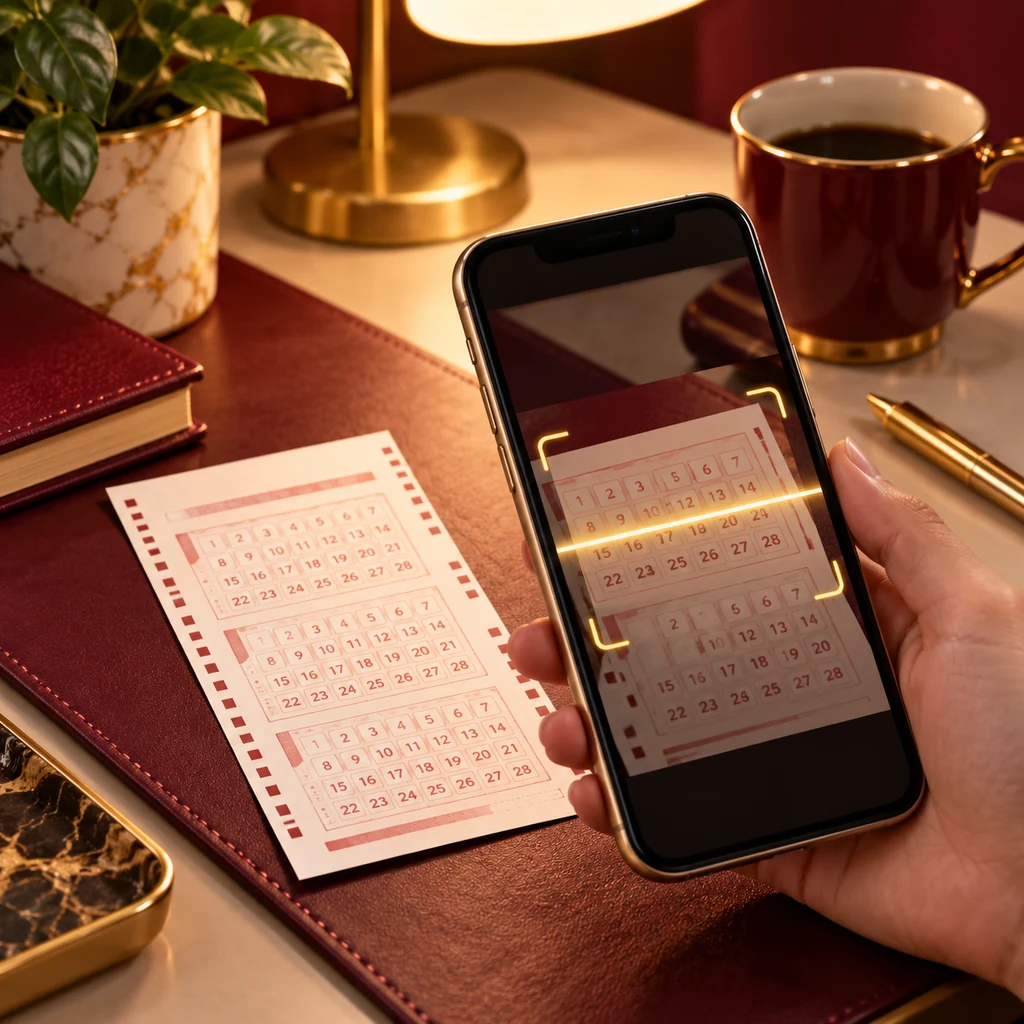
Magnum’s support guide says to use the Scan control at the bottom of the app home screen. The first use prompts for camera permission; allow it if you want the camera-based feature to work. If permission was previously denied, review your device’s app settings and retry. Present the ticket clearly to the scanner and follow the on-screen instructions. The exact appearance can change with app versions, so use the current official support walkthrough when a button or screen differs from your expectations.
Reference: Official ticket-scanning instructions.
Review what the scanner recognized
Recognition is a starting point for checking, not a reason to stop reading. Inspect the game, printed entries and relevant draw dates in the recognized ticket view. If the ticket covers future dates, an absence of a final result should not be read as a settled loss. If there is a possible match, cross-check the completed official board and retain the original ticket. Avoid interpreting a saved ticket or successful camera action as a prize declaration; the relevant game conditions and operator validation still apply.
Reference: Official Magnum draw results.
Distinguish ticket scanning from PlayNow QR codes
Searches for Magnum scan QR code can refer to two different activities. A ticket scan helps review an existing purchased entry. PlayNow lets users prepare game details in the app and generate a QR code to present at an outlet for purchase. Creating that code is not the same as obtaining a validated ticket or scanning a result. If you use PlayNow, inspect the entry ultimately issued by the outlet and check its printed dates. Keep purchase preparation and post-draw result checking separate in your routine.
Reference: Official MyMagnum 4D app and store links.
Troubleshoot without exposing the ticket
For an unrecognized ticket, try even lighting, a steady camera and a flatter surface, then review camera permission. A damaged print or temporary technical problem may still require manual comparison or authorized help. Do not conclude that recognition failure means there is no prize. Use the official result board with the ticket’s date and game, and ask Magnum support if uncertainty remains. Avoid posting the full ticket online while requesting help; preserve its identifying details and the original paper while you resolve the issue.
Reference: Official ticket-scanning instructions.
Checking notes and responsible use
Keep the original ticket safe while reviewing its entries. A result board, saved image or app record should be read together with the printed game, draw date and format. If you cannot confirm a detail, ask an authorized outlet or the official support team rather than guessing. Do not post ticket identifiers publicly.
This article explains published information; it does not accept bets or certify claims. Set a spending limit before participating, avoid chasing losses and take a break if gambling affects your finances or wellbeing. Check the operator’s current age and eligibility requirements.
15 Frequently Asked Questions
Which app provides the official Magnum 4D scan?
Where is the Scan control?
Why does the app ask for camera access?
What should I do after a ticket is recognized?
Does a successful scan prove that I won?
Does a failed scan mean my ticket is invalid?
Can I check without giving camera permission?
Is a PlayNow QR code a winning-ticket scan?
Should I upload my barcode to a social group for help?
What should I do when the scan shows future dates?
Does this guide guarantee a winning entry?
What should I do with an apparently winning ticket?
Can previous draws predict the next outcome?
Where do the linked article images and CTA lead?
Who wrote this independent article?
Beginner rules and betting types: the complete guide
How to Play Magnum 4D: The Complete Beginner's Guide to Rules, Betting Types & Strategies (2026) connects the official sources with ten specialist walkthroughs.
Official sources and editorial notes
Reviewed October 7, 2026. Dates, outlet arrangements, features and rules can change; verify the linked operator sources for the event or ticket you are checking. Illustrations are generated editorial artwork and contain no live result data.
Explore our partner offer
This third-party offer is separate from Magnum 4D and Magnum Berhad. We may earn a commission through this link. Terms and eligibility apply.
View Partner Offer