Magnum 4D App vs Sports Toto App: Features, Scan Ticket & User Experience Compared
Compare documented MyMagnum 4D and Sports Toto app features, scanning limits, official downloads and purchase preparation without invented user ratings.
By Jenny Maceda · · 6 min read
Overview
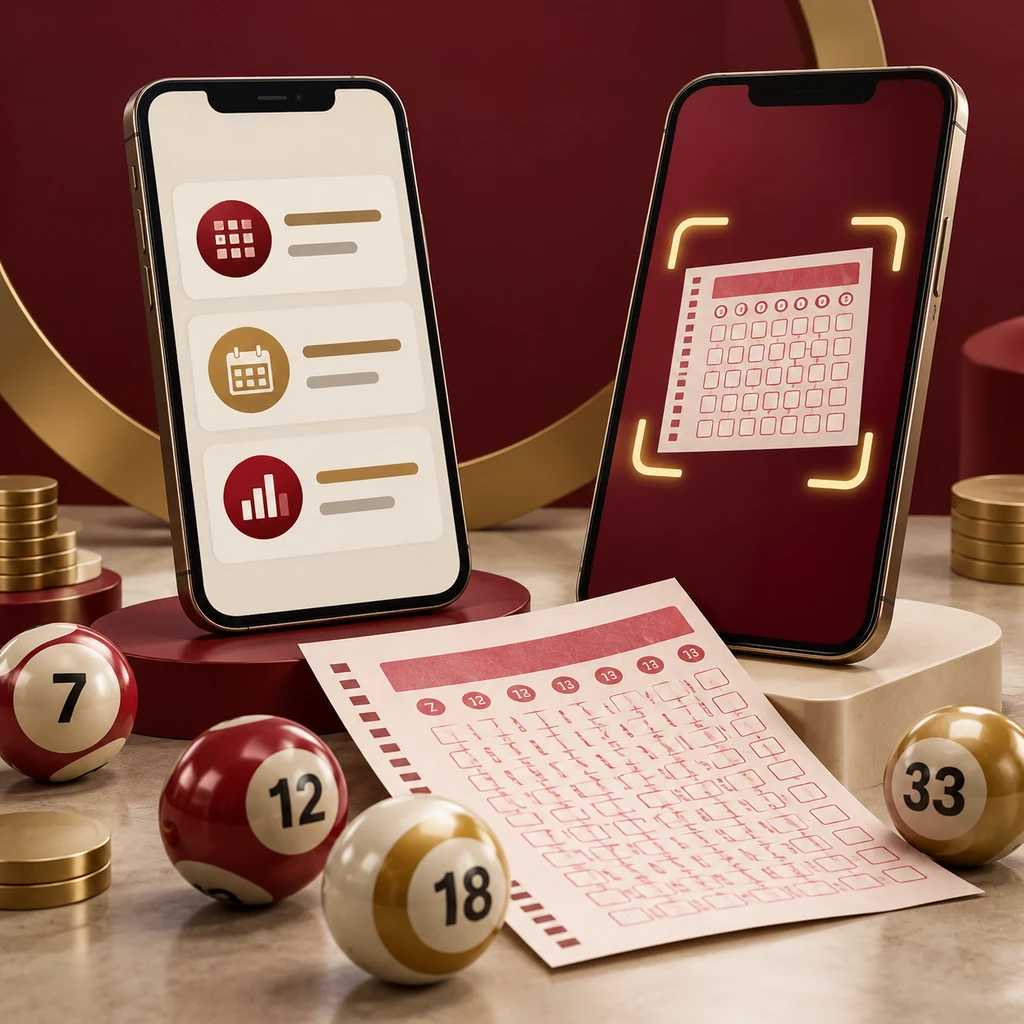
Both reviewed official app sources describe result checking and ticket scanning, but an app comparison should distinguish documented features from hands-on performance claims. MyMagnum 4D also explains PlayNow preparation and saved-ticket features. Sports Toto’s official listing and Scan and Check resource document its own checking tools. This guide does not invent scan-speed scores, universal device compatibility or a remote purchase feature from an app’s ability to read results.
Key Takeaways
- Both official sources document results and scanning.
- Follow operator-linked downloads and inspect the listed publisher.
- PlayNow preparation is separate from a completed Magnum purchase.
- A scanner display is informational assistance, not a final claim certification.
Start with verified app identity
Use the download links reached from each operator’s official website, and inspect the publisher and current store listing. A similarly named app or a standalone download page is not verified by its icon. The Sports Toto listing used here names STM Lottery Sdn Bhd; Magnum’s app page provides its own supported-store links. Record the source and version when making a feature comparison. Store content ratings describe the listing and should not be treated as permission to purchase lottery entries.
Reference: Official Sports Toto app listing.
Review MyMagnum’s documented tasks
The Magnum app page describes checking a ticket by scanning, saving tickets and favourite-number tools. Its PlayNow flow prepares selections, saves details and produces a code to present at an outlet for ticket purchase. That preparation role should not be rewritten as an online checkout. Feature screens can change, so follow the current operator walkthrough rather than a screenshot from an older review. Inspect the recognized game and dates before concluding what a scanner result means.
Reference: Official MyMagnum 4D app and store links.
Review Sports Toto’s documented checking tools
Sports Toto’s official app listing describes real-time results checking and ticket scanning. Its web Scan and Check page asks for camera access and notes possible desktop or laptop limitations. The page also distinguishes its informational display from official winning-number confirmation at an outlet. Those are documented features and limits, not proof of a tested speed advantage. Do not assume it scans Magnum tickets or that a result-checking tool also accepts payments for purchased entries.
Reference: Official Sports Toto Scan and Check.
Compare the tasks you actually need
A useful user-experience checklist asks whether you can find the correct draw date, read the game, enable the needed permission and review recognized ticket details. Ease can vary by device, version and individual preference. This article has not run a controlled device benchmark and therefore does not award invented performance scores. Try the current official interface for the relevant task without uploading identifiers to unrelated review sites. Compare clarity rather than relying solely on a star rating or an attractive mock-up.
Reference: Official ticket-scanning instructions.
Keep scanning and claim verification separate
If recognition fails, do not conclude that the ticket lost; print damage, permissions or camera conditions can interfere. Compare printed details manually with the correct dated result or ask an authorized channel. If a possible match appears, preserve the original and follow the issuing operator’s claim rules. A successful scan does not settle every entry condition or transfer validity between operators. Protect the full barcode and any account credentials while asking for help through official contact routes.
Reference: Official Sports Toto Scan and Check.

Checking notes and responsible use
Keep the original ticket safe while reviewing its entries. A result board, saved image or app record should be read together with the printed game, draw date and format. If you cannot confirm a detail, ask an authorized outlet or the official support team rather than guessing. Do not post ticket identifiers publicly.
This article explains published information; it does not accept bets or certify claims. Set a spending limit before participating, avoid chasing losses and take a break if gambling affects your finances or wellbeing. Check the operator’s current age and eligibility requirements.
15 Frequently Asked Questions
Do both reviewed official sources mention scanning?
Did this article benchmark scan speed?
Who publishes the Sports Toto listing used here?
Does PlayNow preparation complete payment?
Can I assume either app scans the other operator’s ticket?
Does a store content rating establish buying eligibility?
Why does camera permission matter?
Does a failed scan establish a losing ticket?
Does Sports Toto’s web scan replace official confirmation?
What should I compare for practical usability?
Does this guide guarantee a winning entry?
What should I do with an apparently winning ticket?
Can previous draws predict the next outcome?
Where do the linked article images and CTA lead?
Who wrote this independent article?
Official sources and editorial notes
Reviewed October 7, 2026. Dates, outlet arrangements, features and rules can change; verify the linked operator sources for the event or ticket you are checking. Illustrations are generated editorial artwork and contain no live result data.
Explore our partner offer
This third-party offer is separate from Magnum 4D and Magnum Berhad. We may earn a commission through this link. Terms and eligibility apply.
View Partner Offer